

Description
Selling something shouldn’t require a full shopping cart. Simple Payment turns any WordPress post, page, block, form or button into a ready-to-pay product or service in minutes — and routes the money through the payment gateway you already trust. No bloated store to configure, no checkout to rebuild: just a shortcode (or a block, or an Elementor widget) and you are taking payments.
From a single “Donate” button to installment plans, saved cards, subscriptions and multi-gateway checkouts, Simple Payment scales from a personal blog to a commercial site — while keeping sensitive card data out of your database.
Why you’ll love it
- Sell in minutes, not days. Drop one shortcode on any page and you have a working, styled payment form. Post/page titles become the product name and a custom field becomes the price — automatically.
- Use the gateway you already have. One consistent form and workflow in front of many gateways — switch providers without rebuilding your pages.
- Built for real money flows. Installments, monthly subscriptions / recurring, saved-card tokenization, refunds, invoices/receipts, and automatic transaction verification.
- Beautiful, flexible forms. Multiple templates (Bootstrap, Legacy, Donation, free-amount), inline, IFRAME or modal display, and full support for your own theme templates.
- Privacy first. PCI-DSS friendly: card data is masked/redacted before anything touches the database, and old records can be auto-archived and purged.
- Developer friendly. A rich set of actions and filters, a documented Engine API to extend any gateway or build your own, plus a full transactions log with filtering and CSV export.
Supported payment gateways (Engines)
PayPal, Cardcom, iCount, PayMe, iCredit, CreditGuard, Meshulam, YaadPay, Credit2000, WooCommerce (third-party site), plus a Custom engine for anything else and a Test engine for development.
NEW: Sell on one site, charge on another (WooCommerce engine)
The WooCommerce engine lets your site take a purchase and hand the actual payment off to a separate, third-party WooCommerce store over its REST API — perfect for agencies, marketplaces, franchises and multi-brand operators who want a central “storefront” and one billing store that owns the gateways, invoices and bookkeeping.
- The customer clicks Buy on your site; Simple Payment creates the order on the remote WooCommerce store with the correct total and customer details.
- The shopper pays on the remote store (in a redirect, popup or modal) using whatever gateways that store has enabled.
- A bundled Companion mode on the receiving store validates and keeps the originating parameters, can auto-complete paid orders, silences the remote store’s duplicate customer/admin emails for outsourced requests, and sends the customer straight back to your site when payment succeeds.
- You keep a full record of every transaction on the originating site, with automatic status verification.
Works with your favorite tools
Gutenberg block editor, Elementor, WooCommerce, WPJobBoard, GravityForms and Form Maker — plus Zapier to trigger workflows (CRM, email, spreadsheets, fulfilment) on every payment.
What you can build
- One-click “Buy” / “Donate” buttons anywhere on your site
- Pay-what-you-want donation forms with a free-entry amount
- Membership, course or service checkouts on a single landing page
- Installment plans and monthly subscriptions
- Central storefront that bills through a separate WooCommerce store
Currently on Beta: PayMe – please contact if you require assistance.
Soon to be released: Pelecard, Tranzila.
PS: You’ll need a Simple Payment API key for advanced gateways to use it. Keys are available for personal blogs; single domain, multiple domains, businesses and commercial sites.
Feedback and Support
I would be happy to receive your feedback to improve this plugin.
Please let me know through support forums if you like it and please be sure to leave a review..
Also you can contact me on my personal page Ido Kobelkowsky or even visit Github of Simple Payment where you can find all the development code of this plugin.
I hope it is useful for you and look forward to reading your reviews! 😉 Thanks!
Advanced Configuration: Theme Custom Payment Processing
To write your own payment processing integration, to be plugin, read the information at this link: https://simple-payment.yalla-ya.com/
you will require to write a simple php class that Pre Process, Process and Post Process the transaction with your your payment gateway.
Screenshots
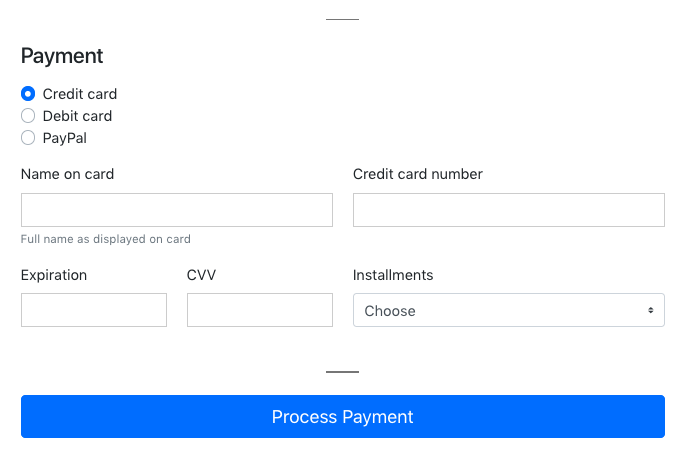
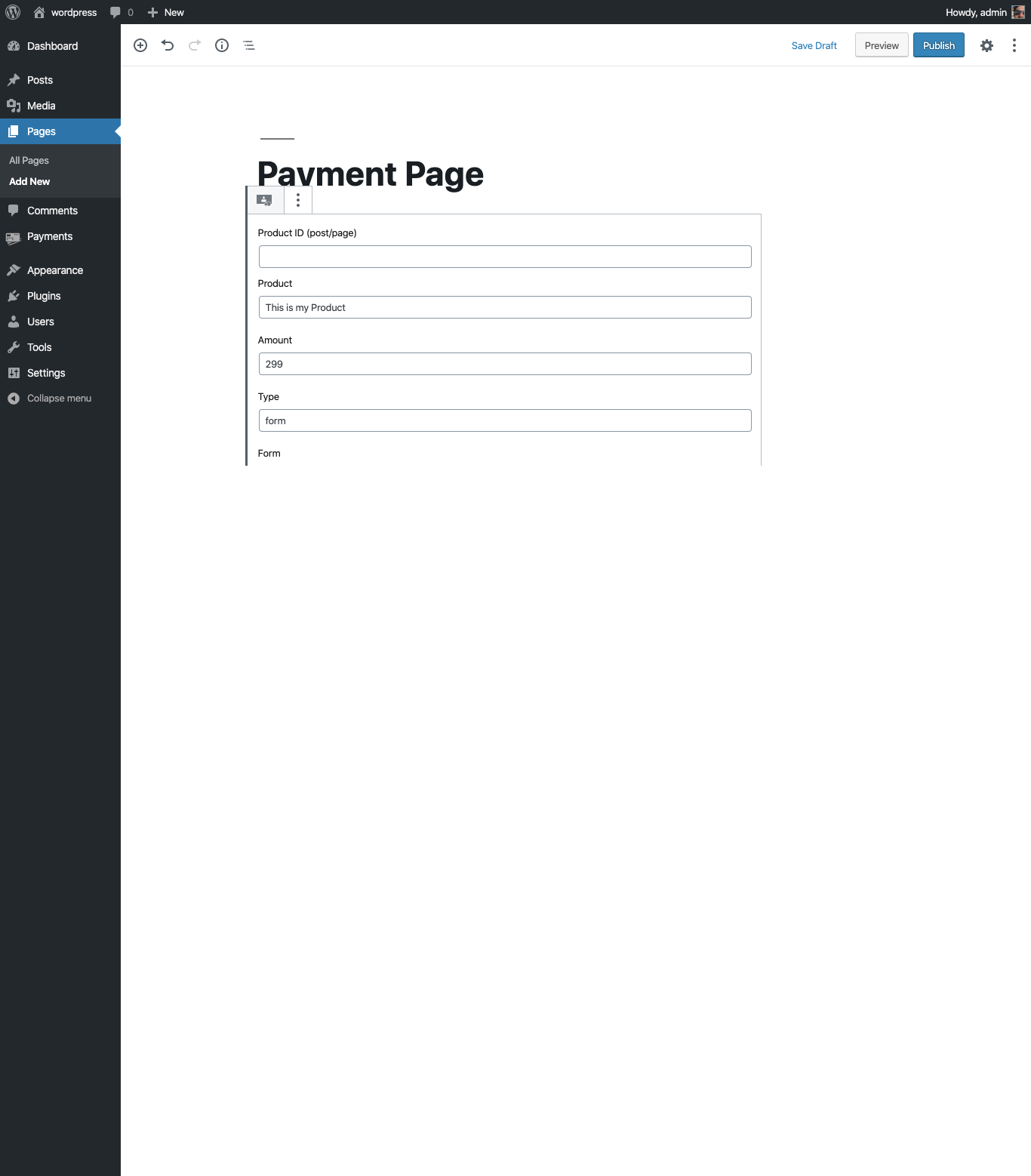
![Integrate our [simple_payment] shortcode on that page, to show one of our wonderful forms](https://ps.w.org/simple-payment/assets/screenshot-3.png?rev=3318371)
Blocks
This plugin provides 1 block.
- Simple Payment
Installation
Upload the Simple Payment plugin to your site, Activate it, then enter your Simple Payment API key.
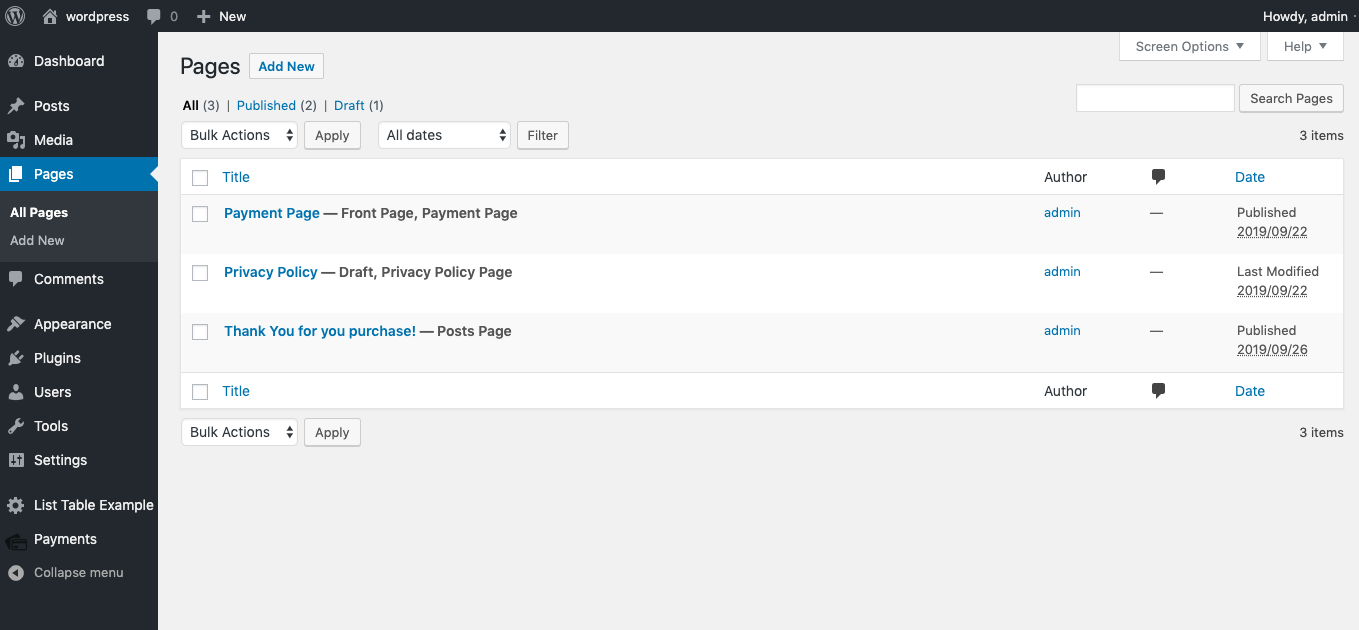
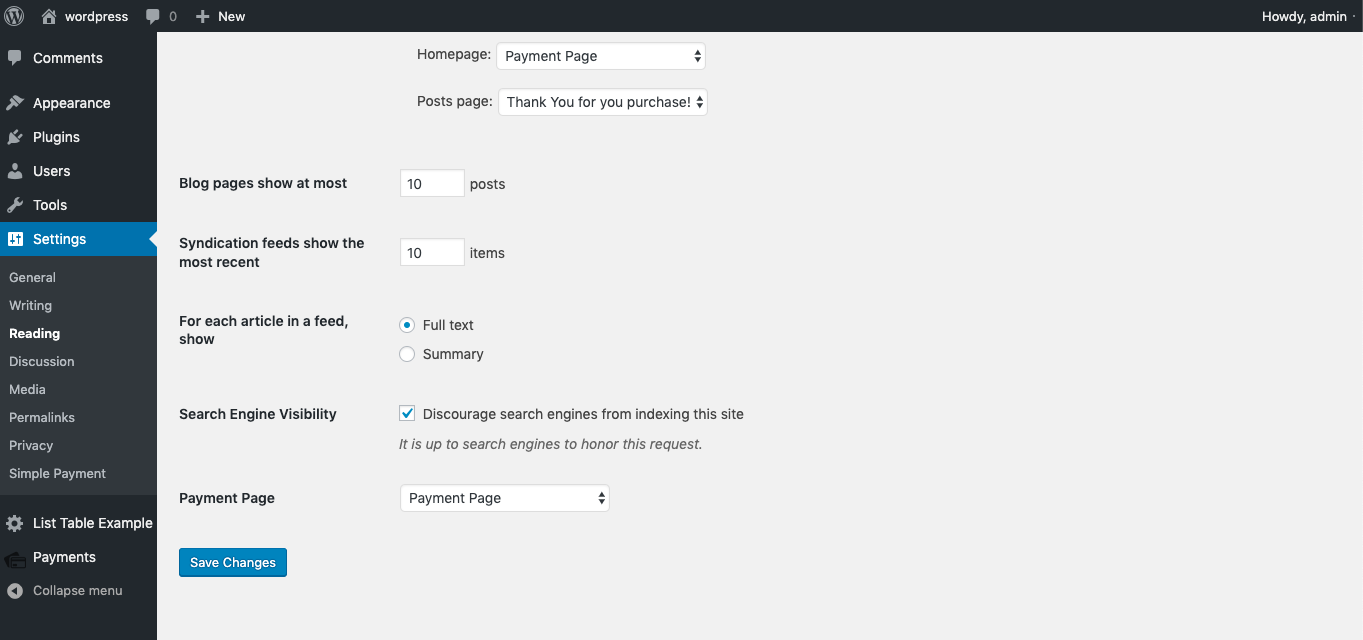
Select Payment Page where you will have the Payment Form integrated
add shortcode on the Payment Page
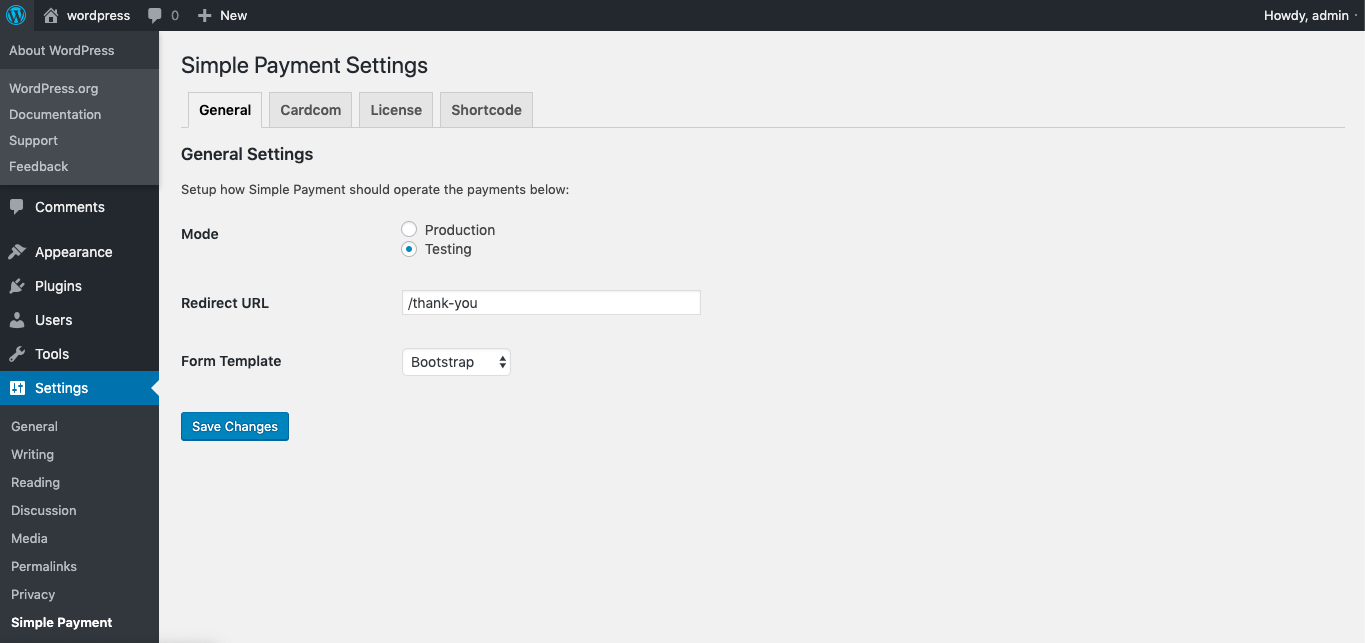
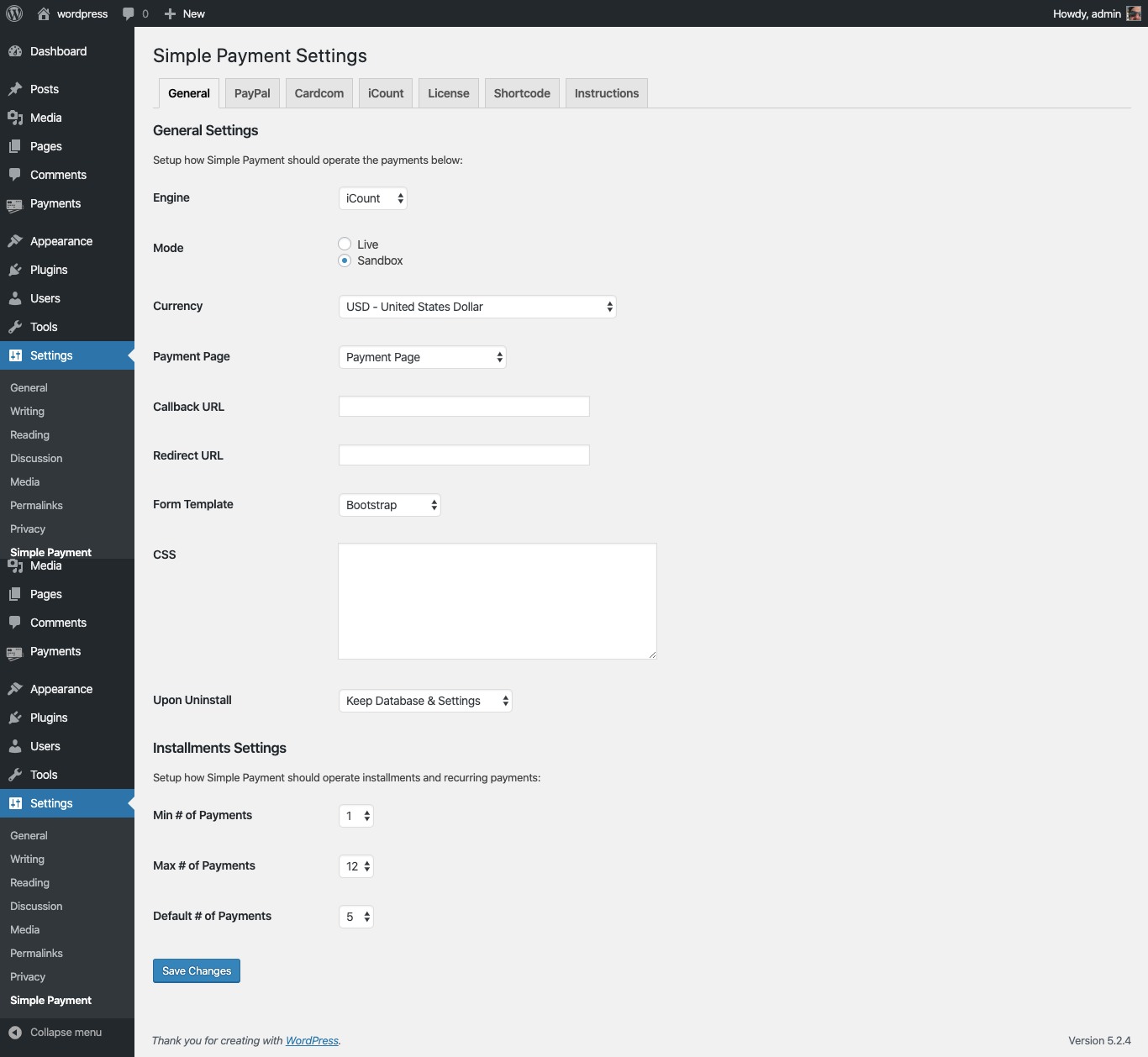
Activate your Payment Processing on the Admin Menu: Settings -> Simple Payment
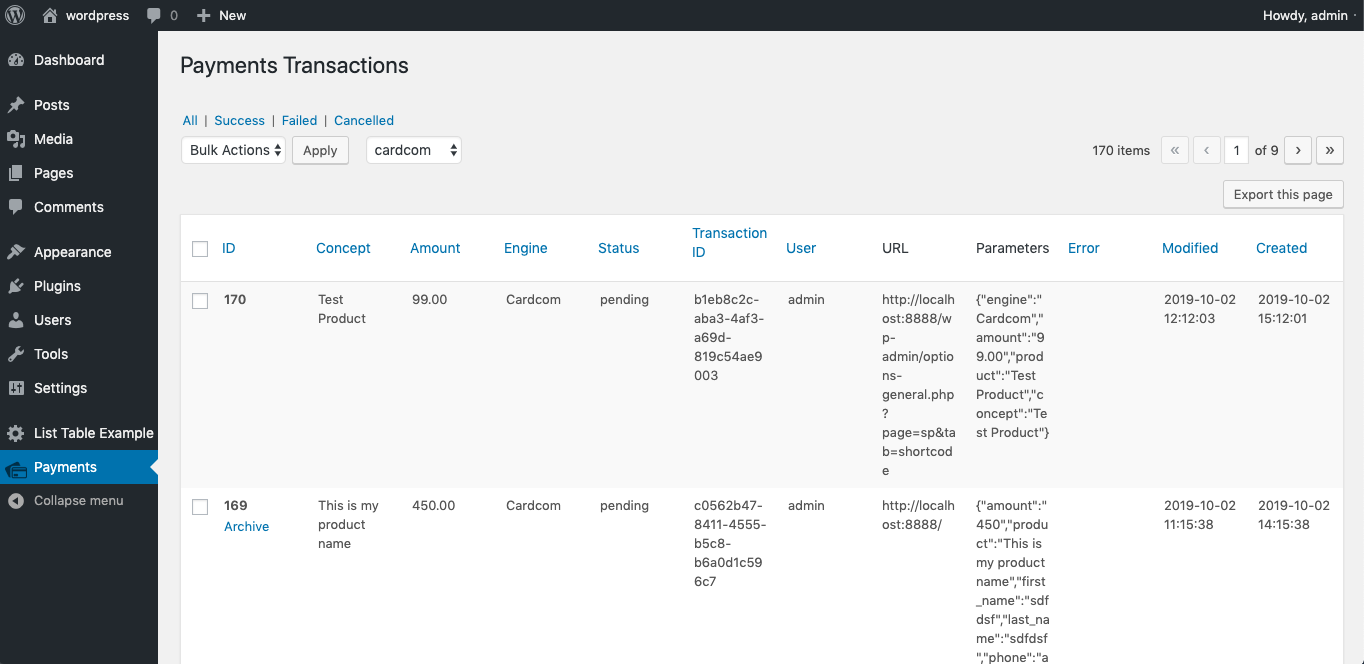
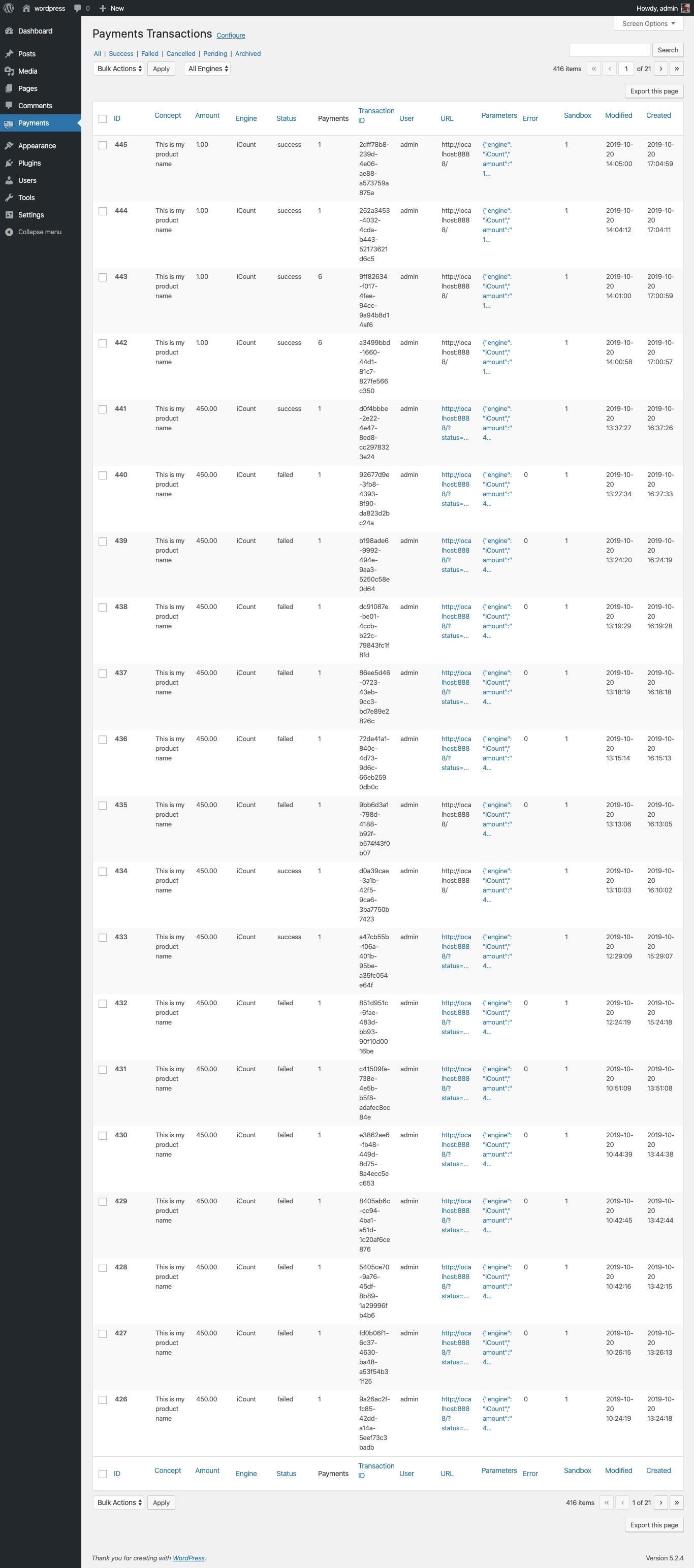
That’s it, track your payments on the Payments Admin Menu log.
FAQ
-
Which Payment Gateway this plugin support?
-
Out of the box it supports PayPal, Cardcom, iCount, PayMe, iCredit, CreditGuard, Meshulam, YaadPay, Credit2000 and a third-party WooCommerce store, plus a Custom engine so you can add your own — with new gateways added regularly.
-
Do I need WooCommerce or a shopping cart?
-
No. Simple Payment works on its own — a shortcode, block, Elementor widget or button on any page is enough. It also integrates with WooCommerce (both as a WooCommerce gateway and by sending purchases to a separate WooCommerce store) if you want it.
-
Can I take the payment on a different WooCommerce website?
-
Yes. Choose the WooCommerce engine and point it at a third-party WooCommerce store’s REST API (consumer key/secret). Simple Payment creates the order there with the correct total, the shopper pays on that store, and they are returned to your site automatically. Install Simple Payment on the receiving store too and enable Companion mode so it recognises the incoming orders, picks the gateway, optionally auto-completes them, mutes duplicate emails and redirects the buyer back. Ideal for agencies, marketplaces, franchises and central-billing setups.
-
Does it support installments, subscriptions and saved cards?
-
Yes, where the selected gateway supports them: installment plans, monthly/recurring subscriptions, saved-card tokenization and refunds are all available.
-
Can I display the payment in a popup or IFRAME?
-
Yes. Forms can be shown inline, in a modal, or in an IFRAME. (When paying through a third-party WooCommerce store, a redirect or popup is recommended, since external gateways such as Stripe cannot complete card authentication inside a cross-domain IFRAME.)
-
How does Simple Payment complies with PCI-DSS
-
When a payment is passed through the plugin, it restricts the use of sensible data to the minimum possible,
avoids any replication of variables and data, and upon saving on the database is masks and hides the data
so no sensible data is saved in the database.Additional it allows you to automaticaly purge any records older the X days.
-
Can I work with Simple Payments and other plugins
-
Simple Payment is ready to be extended, it exposes actions and filters (add_action & add_filters), to hook
in differnet parts of the payment process.You can also extend any of the existing Payment Gateways (Engines) or write your own Custom Engine, and finally
you can integrate Simple Payment with Zapier -
How can I report security bugs?
-
You can report security bugs through the Patchstack Vulnerability Disclosure Program. The Patchstack team helps validate, triage and handle any security vulnerabilities. Report a security vulnerability.
Reviews


Contributors & Developers
“Simple Payment” is open source software. The following people have contributed to this plugin.
Contributors
“Simple Payment” has been translated into 1 locale. Thank you to the translators for their contributions.
Translate “Simple Payment” into your language.
Interested in development?
Browse the code, check out the SVN repository, or subscribe to the development log by RSS.
Changelog
2.5.1
- Added WooCommerce payment engine: create the purchase as an order on a third party WooCommerce website via its REST API, and open the returned redirect url in an iframe / popup for payment
- Added WooCommerce companion handling for the receiving store: exposes / validates / keeps the sp_* order parameters on the REST API, can auto complete paid orders (skipping processing), and redirects the customer back to the originating site once the order is paid
- WooCommerce companion: the receiving store selects the gateway for incoming orders (the source site does not need to know the remote gateways, and its own Simple Payment gateway may be used); unknown incoming payment methods are cleared so the customer can choose on the payment page
- WooCommerce companion: flags to disable WooCommerce customer and/or admin emails for orders received from the source site (outsourced payment requests)
- Added an Experimental Features framework (Settings > Experimental): toggle features on/off, each loads on plugin start with its own settings
- Moved the Zapier integration into an experimental feature with an Enable toggle, and it now shows the ready-to-use Zapier endpoint URL (including the API key) in the settings
- New experimental feature “Fraud Detection”: blocks further payment attempts (hides payment methods and shows a custom message) after repeated failed payments that share the same identity within a timeframe, with a cooldown, role whitelist and an option to exempt registered users. Each identity field (email, billing phone, IP address, user agent) has a matching mode – Default, Cluster (linked with other clustered fields) or Primary (counted on its own) – so failed attempts that share any clustered value are counted as one cluster (e.g. X/Y, then X/Z, then B/Y count as 3). Defaults to Email + Phone + IP clustered over a 24 hour window. The engine is integration-agnostic (a WooCommerce adapter is included and toggled by “Enable WooCommerce Fraud Detection”, so the same rules can drive other integrations). Repeat offenders can be escalated to a permanent block after N temporary blocks – stored in the sp_fraud_blocked option as comma-separated clustered keys and manageable from a settings field. Permanent blocks and a key-based whitelist (both field:value lists, e.g. role:subscriber, email:ido@example.com) let you block or always-allow by email, phone, IP or role
2.5.0
Release Data – 14 Jul 2026
* Fixes on gravityforms integration
* Improvements on woocommerce integration
* Logo support for CreditGuard integration
* Tested to latest WP version
* Security fixes
2.4.6
Release Date – 29 Jun 2025
* Added Test Engine for testing/dev purposes
* Fixed issue with composer and class not found
* Tested to latest WP version
* Security fixes
2.4.2
Release Date – 29 Jun 2025
* Better support for Cardcom & GravityForms
* Security fixes
2.4.1
Release Date – 26 Jun 2025
* Security fix, XSS on admin.
* Security and bug fixes
* Performance Improvment – Seperation of Front-end / Backend code
* Fixing issue with Woocommerce Subscriptions forcing tokens on Woocommerce Checkout
* Feature: shorten urls when Payment Gateway cannot handle standard url lengths
* Tested under PHP 8.4
2.2.2
Release Date – 9 May 2022
* CreditGuard Support
* Minor bug fixes and improvements
2.2.1
Release Date – 9 May 2022
* Addition of Multi products flag on GF Feed
* Fixed issues with GF multiple products on invoice iCount
* Fixed issues with CC Storage iCount ( must have Client Name to enable, or pre-existing client )
2.1.5
Release Date – 9 Mar 2022
* Ready for WP 5.9.1
* Support for GF & Multiple Products in invoice Cardcom
2.1.0
Release Date – 6 Mar 2021
* Fix limit 30 chars for iCount sanity_string
2.0.9
Release Date – 15 Feb 2021
* Disable composer platform-check
2.0.8
Release Date – 15 Feb 2021
* Added filter: sp_list_table_columns
* Added filter: sp_list_table_column_value
* Added filter: sp_admin_sections
* Added filter: sp_admin_settings
* Added filter: sp_admin_tabs
* Added support for columns with jsonq in payments list
2.0.7
Release Date – 30 Dec 2020
* Support & Tested up to WordPress 5.6
* Support & Tested on PHP 7.4
* Fixed issue with not saving per page on admin transaction list
* Enabled filter by date range on admin transaction list
* Added created on filters on admin transaction list
* Improved and fixed issues with Cardcom payment gateway
* Added support to WC Subscription
* Beta version with Cardcom & WC Subscription
* Added refund function
* Added support of old mysql server for TIMESTAMP for modified and created on db tables
2.0.0
Release Date – 5 May 2020
* Provide Documentation and additional links
1.9.7
Release Date – 5 May 2020
* Support for WordPress 5.4.1
* Support for WooCommerce 4.1
* General bug fixes and improvements
1.9.6
Release Date – 10 April 2020
* WooCommerce improvements
* settings: “woocommerce_show_checkout”: true – for iframe/modal inside checkout page
* settings: “modal_disable_close”: true – for non-closing modal
* General bug fixes and improvements
1.9.5
Release Date – 6 April 2020
* CVV type engines bug on GravityForms
* Tests for WordPress 5.4
*
* General bug fixes and improvements
1.8.2
Release Date – 10 February 2020
* Hebrew translation
* General bug fixes and improvements
1.8.2
Release Date – 7 February 2020
* Support for Credit2000 Payment Gateway
* Improved error handling
* General bug fixes and improvements
1.7.9
Release Date – 23 January 2020
* Support for GravityForms
* General bug fixes and improvements
1.7.6
Release Date – 11 December 2019
* Adding support to iCredit & PayMe
* Support for Elementor Page Builder
* Internet Explorer bug fix
* Improvement of Gutenberg Editor block type
* General bug fixes and improvements
1.7.4
Release Date – 4 December 2019
* Adding Company field for Cardcom & general usage
* Improvement of Gutenberg Editor block type
* Bug fix of SQL error after archive/unarchive on transaction list
* General bug fixes and improvements
1.7.1
Release Date – 24 November 2019
* Bugfix on Cardcom special cases.
1.7.0
Release Date – 24 November 2019
* Better support for WPJobBoard] & WooCommerce
* Enable single item receipt in WooCommerce & WPJobBoard
* Enable customize product name in WooCommerce & WPJobBoard
* Enable iframe, modal & redirect mode in WooCommerce & WPJobBoard
* Cardcom flag to minimize information on receipt – will show only minimum necessary information
* Enables supports() to Engines
* Bugfix on verification process.
1.6.8
Release Date – 12 November 2019
- Beta support to WPJobBoard plugin
1.6.7
Release Date – 12 November 2019
- Introducing visible and resetable API_KEY
- Cron Schedule for Simple Payment maintenance
- Auto validate open transactions
- Auto fail open transactions after a certain period
1.6.5
Release Date – 11 November 2019
- Unarchive feature
- General improvements and addons code structure
1.4.5
Release Date – 5 November 2019
Great news! we now support Zapier & WooCommerce, so all Payment Gateways (Engines) can now
work transparently in WooCommerce.
- Zapier integration; use this link to connect and configure: Zapier
- WooCommerce enable Simple Payment on your WooCommerce and enjoy the same control of Simple Payment
- Shortcode now accept: currency & installments
- Stability improvements
- General Bug fixes
1.4.0
Release Date – 4 November 2019
- Introduction of Archive & Purge transaction
- Introduction of Beta Zapier integration
- Create WordPress User (Secret or Via Register) on payment (pre or post payment)
- General Bug fixes
1.0.0
Release Date – 1 October 2019
- First release